Build Your Digital Restaurant Menu
Welcome to PixPlat — the digital menu platform designed for modern restaurants. Instead of static PDF menus, PixPlat allows you to create an interactive restaurant menu that customers can access instantly via QR code. With PixPlat, restaurants can design, update, and manage their menu in minutes using a visual drag-and-drop editor. From menu design to customer insights, PixPlat helps restaurants deliver a modern and engaging dining experience.
How PixPlat Helps Restaurants Create Digital Menus
 Step 01
Choose a Menu Template
Start with a professionally designed restaurant menu template created for the food industry. Templates give you a strong visual foundation while allowing full customization.
 Step 02
Customize Your Menu Visually
Use PixPlat’s drag-and-drop editor to add dishes, categories, images, and descriptions. Everything is edited visually, allowing you to design a beautiful digital menu without technical skills.
 Step 03
Publish Your QR Code Menu
Once your menu is ready, PixPlat generates a QR code that customers can scan instantly. Any changes you make appear in real time on the menu.
 Step 04
Understand Your Customers
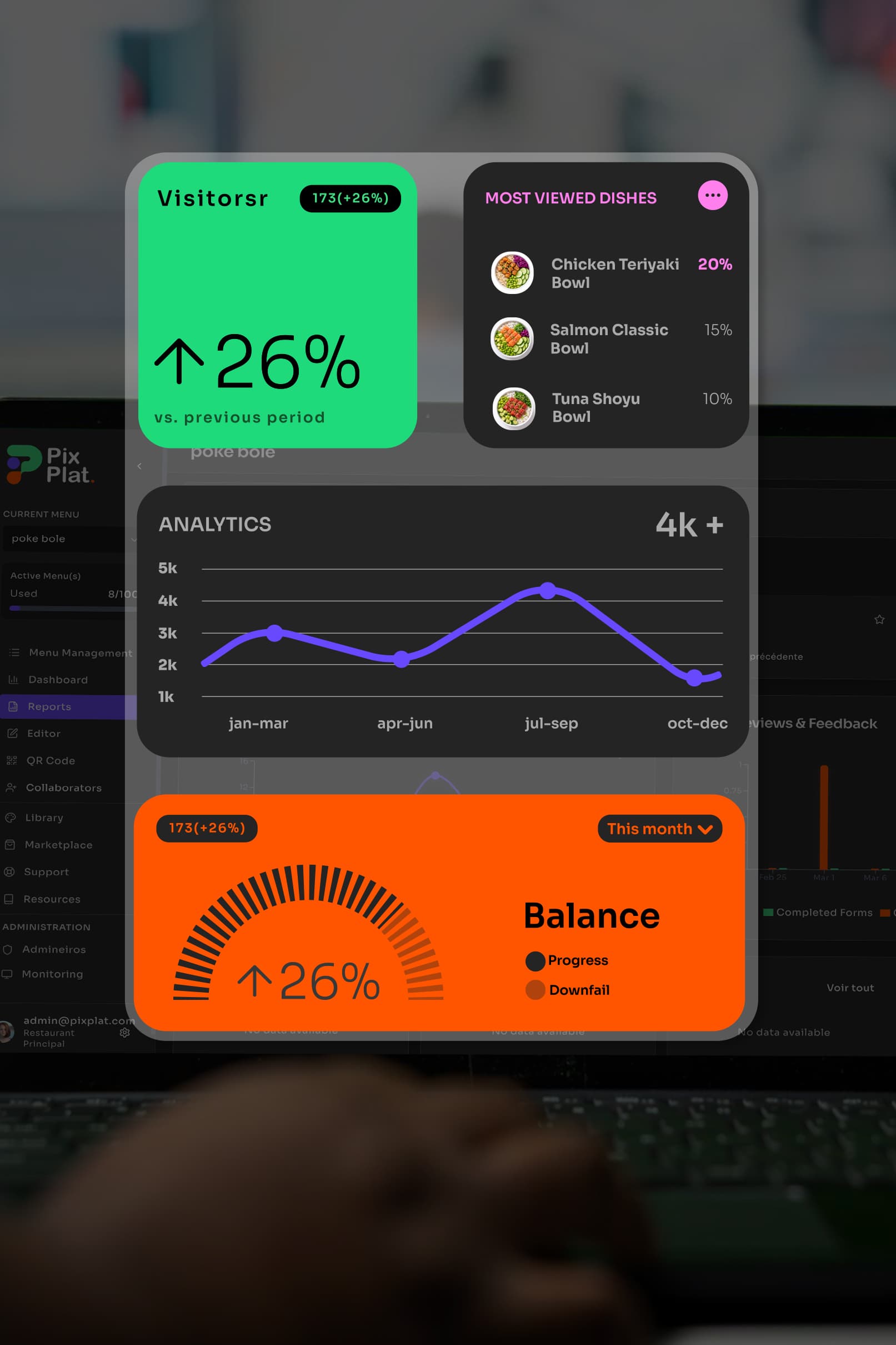
PixPlat analytics provide valuable insights about menu engagement and customer feedback. This helps restaurants improve their dishes and customer experience.
- Step 05
Collaborate with Designers
Through the PixPlat Designer Marketplace, restaurants can collaborate with professional designers to create unique and high-converting menu experiences.