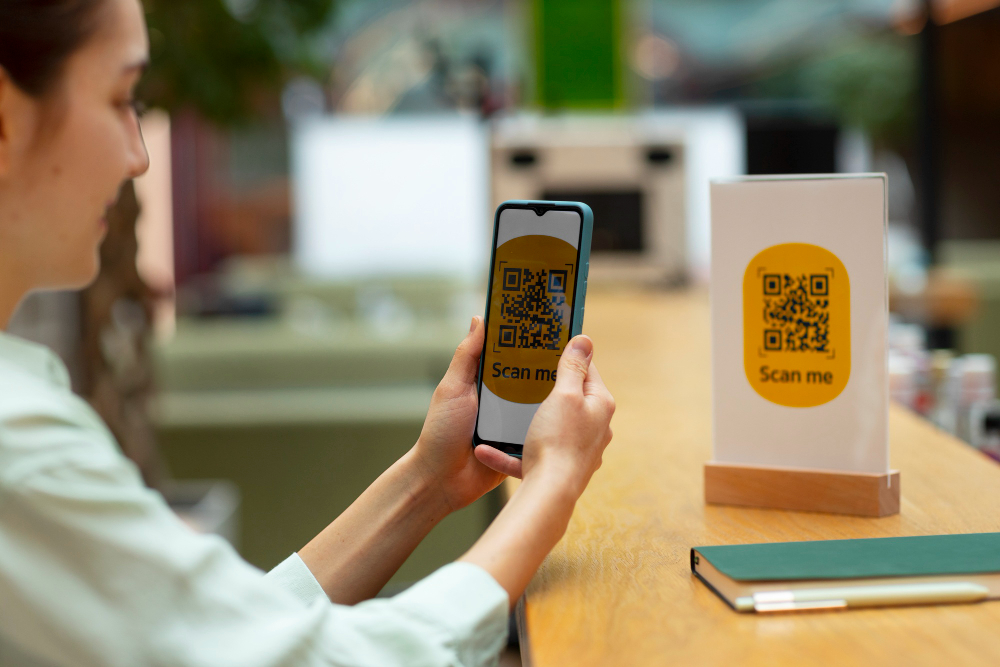
Where to Place QR Codes in Your Restaurant to Get More Scans
Data-backed guide to QR code placement in restaurants — table tents, windows, receipts, packaging, and the physical rules that determine whether guests actually scan.
Where to Place QR Codes in Your Restaurant to Maximise Scans
A restaurant owner recently shared this: they placed a QR code on a laminated menu insert, at the bottom of the page, printed at 3cm, face down on the table. Total scans after two weeks: zero.
The QR code was technically perfect. Dynamic, branded, correctly sized for close scanning, properly exported as SVG. But the placement made it invisible.
Placement is where most restaurants underinvest their thinking. The decision of where to put your QR code determines how many guests will use it — independent of how well the code is designed or how good your menu is. 70% of QR codes fail because of placement, not design. RunToolz This guide covers every placement location, ranked by performance data, with the physical rules that determine whether a scan happens or doesn't.
The core principle: place QR codes where guests pause
A QR code gets scanned when three conditions are met simultaneously: the guest can see it, they have a reason to scan it at that specific moment, and the physical act of scanning requires no awkward movement.
The first condition is obvious. The second and third are where most placements fail. A QR code on the floor fails because no reason to scan exists at that moment. A QR code placed flat on a table fails because the scanning angle is awkward when seated. A QR code on a receipt is scanned less often than a table tent because the guest is preparing to leave, not to browse.
QR codes at eye level — on table tents and door signage — see 3× higher scan rates than those on receipts or floor stickers. QR Planet
The anatomy of a successful placement: visible without searching for it, vertical surface at natural eye height when seated or standing, large enough for the scanning distance, accompanied by a call to action that removes ambiguity.
Placement 1 — Table tent (primary, highest priority)
Scan share of total restaurant scans: 60%
60% of all scans come from table-mounted QR codes, based on data from 850+ restaurants. This makes sense — customers are already seated and ready to order, and table QR codes offer immediate access the moment they sit down. TerraSlate
The table tent is your primary QR code placement. Everything else is supplementary. Before investing in any other location, make sure your table placement is optimal.
What makes a table tent placement effective:
Vertical surface, not flat on the table. A seated guest holding a phone at natural arm height needs a clear line of sight to the code. A flat sticker on the table surface requires hovering the phone directly above it — an awkward position that most guests won't bother with. A vertical card stand or folded tent solves this immediately.
Centre of table, visible from all seats. In a four-seat table, a code tucked at one edge is invisible to the guests on the opposite side. Place it at the centre, upright.
One code per table, not one code per section. A single code covering an entire section means some guests won't see it. Individual table codes also give you separate scan analytics per table — useful for identifying which sections of your dining room engage most.
Size: minimum 4 × 4 cm. At seated table distance (30–50 cm), this is the reliable minimum. A restaurant that increased their table tent QR code from 1×1 inch to 2.5×2.5 inches saw scan rate jump from 12% to 58% — same design, just bigger. RunToolz
Material: matte laminate. Glossy surfaces create glare under restaurant lighting and reduce scan reliability. Print on matte card stock and laminate with matte laminate for durability against spills and repeated wiping.
Placement 2 — Entrance window and door (pre-visit)
The entrance placement serves a fundamentally different purpose than the table tent. It is not for guests who are already seated — it is for prospects who are standing outside deciding whether to enter.
A QR code on your entrance window with the framing "Scan to browse our menu" converts one of the highest-friction moments in the decision process. A couple considering two restaurants will browse the menu of whichever one makes it easiest. If your competitor's menu requires a Google search and yours is one scan away, that asymmetry matters.
People walking past your restaurant make snap decisions. A QR code on your patio sign or window display — linking to your menu, a special offer, or a photo gallery of your dishes — can convert a casual glance into a reservation. QR-Verse
Sizing at entrance distance: At 1–2 metres (standing outside looking at a window), the minimum reliable code size is 10–12 cm. The 10:1 rule: for every 10 cm of scanning distance, the QR code should be at least 1 cm wide. For poster or signage scanned at 1–2 metres, the minimum is 10–20 cm. Generate My QR
Placement height: Eye level for a standing adult — approximately 150–170 cm from the ground. Placed too low, guests must bend to scan. Too high, they must raise their phone at an awkward angle.
What to link to: For entrance placement, link directly to your menu. This is a browsing decision moment — the guest wants to see your dishes, not a loyalty programme.
Placement 3 — Bar and counter area
The bar deserves its own QR code, separate from the dining room — and ideally linked to a separate version of your menu that foregrounds drinks.
Guests at a bar are in a different mode than guests at a table. They are browsing, waiting, or between courses. The scanning motivation is often curiosity: what cocktails are on, what specials are running tonight, what the dessert menu looks like. A QR code on a bar coaster or a small table tent at the bar rail captures this naturally.
A second use case: bars that run cocktail lists that change seasonally have one of the strongest cases for dynamic QR codes. A printed cocktail card is expensive and usually out of date. A QR code linked to a live cocktail list updates the moment your bartender adds a new seasonal drink.
Placement specifics: One table tent per 2–3 bar seats. Matte coasters with a printed QR code and "Scan for tonight's cocktails" are low-cost, highly visible, and easy to replace when the list updates.
Placement 4 — Takeaway packaging and delivery bags
This placement has one of the lowest immediate scan rates — but it extends your QR code's reach beyond the physical restaurant and into your customers' homes.
Print QR codes on takeaway packaging, delivery bags, and receipts to link customers to your reorder page, loyalty programme, or feedback form. This turns a one-time delivery customer into a repeat visitor.
The strategic value of this placement is not the scan rate — it's the use case. The guest who scans a QR code on your takeaway bag at home is not browsing a menu. They are a returning customer with a specific intent: reorder, leave a review, join your loyalty programme, or find your social channels.
Design for this context:
Use a clear CTA: "Scan to reorder" or "Scan to join our loyalty programme — earn a free side on your third order"
Link to a landing page that offers one clear action, not a general homepage
Keep the code at minimum 2.5 × 2.5 cm on packaging — small enough to fit on a box, large enough to scan from hand-held distance
Research shows that 61% of consumers engage with QR-powered loyalty programmes. Placing a loyalty sign-up QR code on packaging converts the moment of consumption into a repeat visit trigger.
Placement 5 — Receipt and bill presenter
The receipt placement is the second most underused QR code location in restaurants. It catches guests at their highest satisfaction moment — after a meal they enjoyed — when they are most likely to leave a review, join a loyalty programme, or follow your social channels.
Table tent QR codes see scan rates of 8–12% for review collection. Receipt-based codes are lower at 5–8% immediate scan rate, but extend the review window — customers can scan at home, days later — making this format ideal for loyalty and review prompts.
One restaurant chain added QR codes to their receipt holders and bill presenters. The result was a 458% increase in Google reviews — from 12 to 67 reviews per month — simply by adding QR codes to table tents and receipt holders.
What to link to from receipts: The receipt moment is conversion-oriented. Link to your Google Business review page, your loyalty sign-up, or a personalized return offer. Do not link to the menu — the guest is leaving, not arriving.
CTA for receipts: "Enjoyed your meal? Share your experience" (review link) or "Scan to join our loyalty programme and earn a free drink on your next visit."
The physical rules that determine whether a scan happens
Understanding where to place codes is only half the picture. The physical constraints of the placement itself determine whether the scan succeeds once a guest notices the code.
The 10:1 sizing rule. The minimum QR code size should be one-tenth the scanning distance. Table tent scanned at 30–45 cm → minimum 3–4 cm. Entrance window scanned at 1–2 m → minimum 10–20 cm. Window sticker scanned at standing distance → minimum 6–8 cm. Generate My QR
Surface matters as much as position. Flat, matte surfaces only — curved or reflective surfaces reduce scan rates by 40%. RunToolz This means: matte laminate over glossy finish, flat table tent over laminated curved menu, wall-mounted signage over a wrapped surface.
Height for standing scans. 150–170 cm from the floor is optimal for standing adults. For seated guests, the QR code should be in the upper half of the visible table surface so guests don't need to lean forward awkwardly. RunToolz
Never place codes flat on horizontal surfaces without a vertical angle. A QR code sticker directly on a table top requires the guest to hold their phone directly overhead — an unnatural position. The scan usually doesn't happen. Vertical is always better than horizontal for table placements.
Lighting. Restaurant ambient lighting at service time is different from the bright light you see during setup. Test your code under actual dinner service conditions. A code that scans easily at midday under overhead kitchen light may scan poorly at 8pm under your amber dining room lamps.
The multiple-placement multiplier effect
Using more than one placement location does not just add scan opportunities linearly — it builds cumulative familiarity that increases the likelihood of scanning at each individual point.
Restaurants using 3 or more placement locations see 30% higher engagement than those using a single placement. RunToolz
The sequence works like this: a guest sees your QR code in the window before entering (first exposure), then on the table tent when seated (second exposure, they scan), then on the receipt when leaving (third exposure, they join the loyalty programme or leave a review). Each placement serves a distinct purpose at a distinct moment in the guest journey.
Placement | Guest moment | Primary purpose | Scan context |
|---|---|---|---|
Entrance window | Pre-visit, deciding whether to enter | Browse menu, build conversion | Standing outside, 1–2 m distance |
Table tent | Seated, ready to order | View full digital menu | Seated, 30–50 cm distance |
Bar coaster or rail | Browsing at bar, waiting | View drinks menu, specials | Seated or standing, arm's length |
Receipt / bill presenter | Post-meal, leaving | Review, loyalty, return offer | Hand-held at table |
Takeaway packaging | At home, consuming the order | Reorder, loyalty sign-up | Hand-held, close range |
How to use analytics to optimise your placements over time
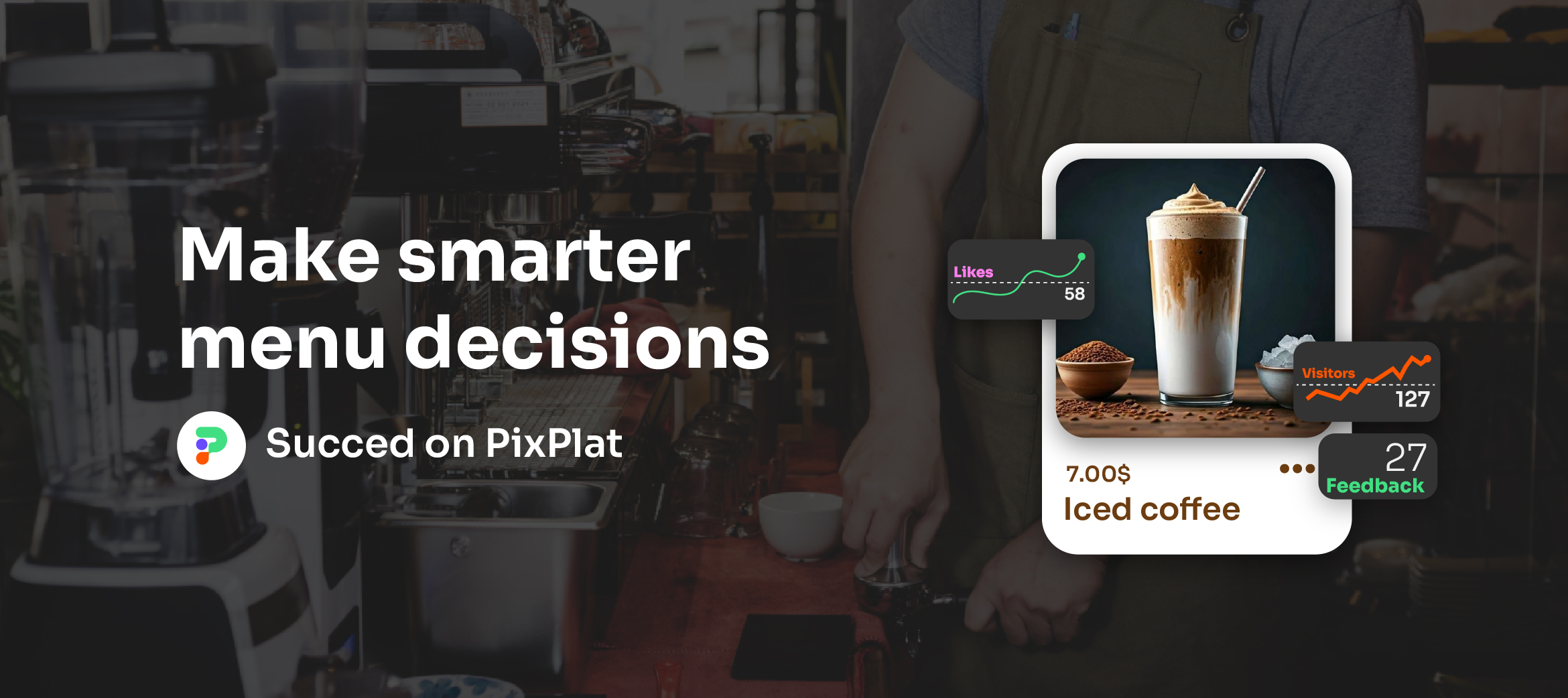
Every placement decision should be informed by data, not just intuition. PixPlat's analytics dashboard shows scan volume per code, peak scan times, and device breakdown. This turns your QR code network into a continuous feedback loop.
What to look for in the first 30 days after deploying multiple placements:
Which placement generates the most scans per day? (Should be the table tent — if it's not, investigate size and positioning)
Which placement has the lowest scan rate? (Usually flat stickers on tables or codes placed too low — fix the physical issue before concluding the placement doesn't work)
What time of day do scans peak? (Usually dinner service; schedule menu updates before peak windows to maximise engagement with updated content)
Well-implemented QR journeys can reach 60–70% scan rates among guests who notice the code. Evergreen The gap between "guests who notice the code" and "guests who scan it" is almost entirely a function of physical placement, size, and the quality of the call to action.
→ For how to read and act on your QR code analytics, see Restaurant menu analytics: understanding your customers
→ For how to customise your QR code for brand and scan performance, see How to customise your QR code to match your restaurant brand
→ For the full QR code setup guide, see QR code menu for restaurants: how it works and how to set it up
→ For the complete digital menu strategy, see The complete guide to digital menus for restaurants

Frequently asked questions
How many QR codes should a restaurant have? Start with one per table and one at the entrance. Once those are performing well, add a receipt or bill presenter code for loyalty and reviews, and a packaging code if you do takeaway. The average QR-enabled restaurant deploys 4–7 distinct QR codes across the customer journey. Each placement should serve a specific purpose for a specific guest moment — do not add placements just to add them.
Should I use the same QR code for all placements? No. Use separate dynamic QR codes for each placement. This lets you track scan performance per location, update destinations independently (your table code links to the menu, your receipt code links to your review page), and optimise each code's design for its specific context and scanning distance.
My QR code is on the table but no one is scanning it. What's wrong?
The most common causes: the code is printed too small (under 4 cm for table distance), it's placed flat rather than vertical, it's on a glossy laminate that creates glare under your dining room lighting, or there's no call to action telling guests what to do. Fix size and surface first, then add a clear "Scan to view our menu" instruction. If scan rates are still low, brief your floor staff to mention the QR code when greeting tables — server mentions increase scan rates by 50%.
Can a QR code on a window work if guests are outside?
Yes, with two conditions: the code must be large enough for 1–2 metre scanning distance (10–12 cm minimum), and your digital menu must load fast enough on a mobile data connection. Guests outside are not connected to your WiFi. If your menu takes more than 3 seconds to load on a 4G connection, the scan-to-browse experience fails regardless of placement.